Understanding Transfers
Learn how peer-to-peer file transfers work in Handrive.
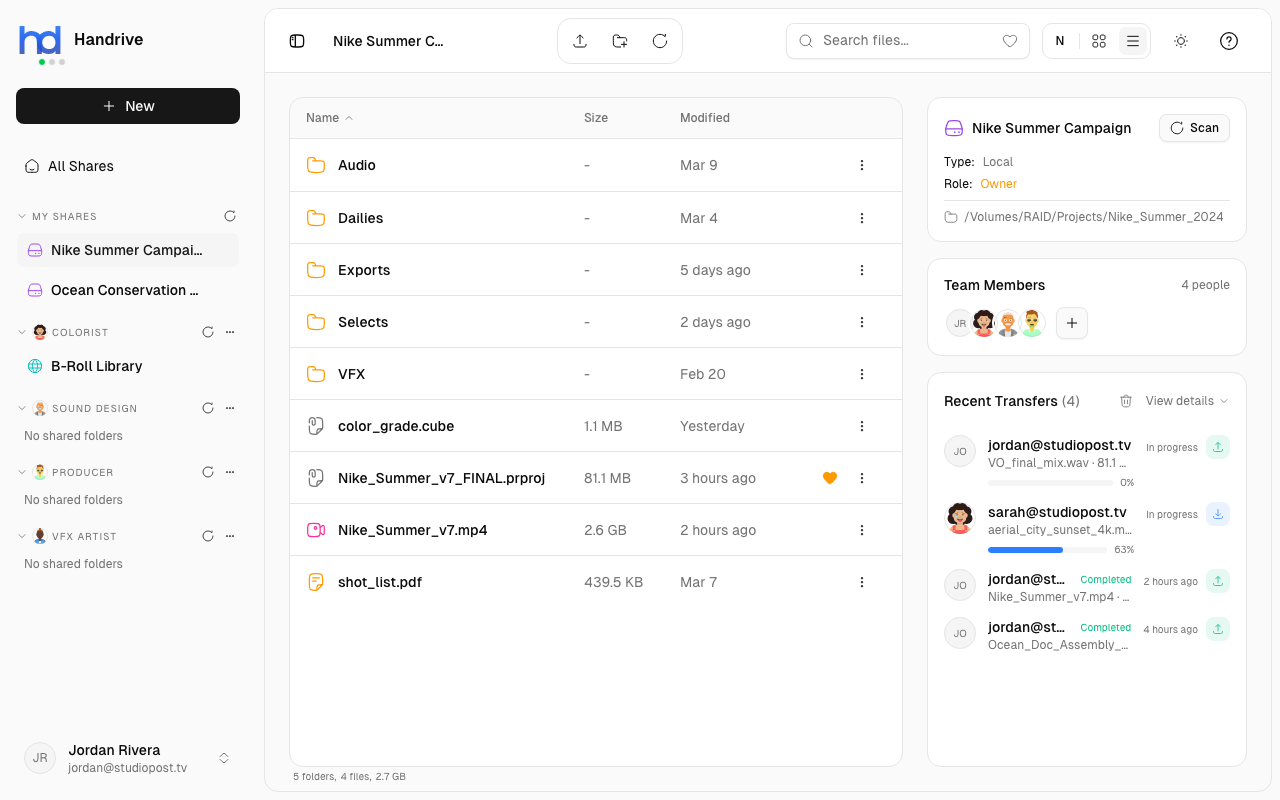
What is a P2P Transfer?
In Handrive, files transfer directly between devices whenever possible. This is called peer-to-peer (P2P) transfer.
Traditional Cloud:
You → Cloud Server → Recipient

Handrive P2P:
You ←→ Recipient (direct connection)
Unlike traditional cloud storage where files must be uploaded to a server first, Handrive establishes direct connections between devices. This means:
- No middleman - Your data goes straight to its destination
- No cloud routing - Files don't pass through third-party servers
- Works through firewalls - NAT traversal technology establishes connections even on restricted networks
Built for AI in Space
As AI workloads scale globally, data needs to move between increasingly distributed infrastructure - from edge devices to data centers, and even to space-based AI compute platforms. Handrive's transfer protocol is designed for this future:
- Earth-to-orbit ready - The same protocol that handles your local transfers can reliably move AI training data to satellite data centers with high latency and packet loss
- Massive dataset friendly - Transfer terabytes of training data, model weights, or inference results without bottlenecks
- Global AI pipelines - Connect AI infrastructure across continents with consistent, maximum-bandwidth performance regardless of distance
Whether you're syncing files across town or feeding data to AI systems in orbit, Handrive's transfer technology is ready.
Key Transfer Features
Maximum Bandwidth Utilization
Handrive's transfer protocol is engineered to saturate your connection's full capacity. Unlike typical file transfers that leave bandwidth on the table, Handrive achieves the maximum usable speed your network allows.
The protocol is built for extreme conditions:
- Latency independent - Full bandwidth regardless of distance; no TCP-style slowdown on high-latency links
- High packet loss tolerance - Maintains speed even when networks drop significant traffic
- Attack resistant - Designed to withstand network interference and hostile conditions
- Satellite-grade reliability - Military-grade protocol that works over the most challenging links
- Traffic friendly - Maximizes your transfer speed without starving other applications on your network
No File Size Limits
Transfer files of any size - from a single 100GB video to a million small files. There are no upload limits or file size restrictions.
Works Everywhere
Handrive transfers work in challenging network conditions:
- Spotty WiFi connections
- Satellite internet
- Mobile data networks
- Connections across the globe
Resumable Transfers
If your connection drops or your laptop goes to sleep, you don't lose your progress. When you reconnect, you can manually restart the transfer from where it left off - no need to start over from the beginning. You have full control over when transfers resume.
End-to-End Encryption
All transfers are encrypted before leaving your device. Only you and your intended recipients can see the file contents - not even Handrive can access them.
Transfer Types
Download
Copying files from a remote share to your device.
Upload
Copying files from your device to a remote share.
Local Copy
Copying files between shares on the same device. No network transfer needed.
Transfer States
Each transfer goes through several states:
| State | Icon | Description |
|---|---|---|
| Pending | ⏳ | Queued, waiting to start |
| Connecting | 🔄 | Establishing connection to peer |
| Transferring | ➡️ | Actively sending/receiving data |
| Completed | ✅ | Transfer finished successfully |
| Failed | ❌ | Transfer encountered an error |
| Cancelled | 🚫 | User cancelled the transfer |
Transfer Information
During a transfer, you can see:
- Files - Names and count of files being transferred
- Progress - Bytes transferred vs. total size
- Speed - Current transfer rate (bandwidth)
- Time - Elapsed time since transfer started
- Direction - Upload (↑) or Download (↓)
When Transfers Happen
Transfers occur when you:
- Download files from a remote share
- Upload files to any share
- Paste copied files to a different share
- Drag and drop files into a share
Connection Requirements
For P2P transfers between different devices:
- Both parties must be online - Connection requires both devices to be running Handrive
- Network connectivity - Devices need network access (doesn't have to be the same network)
- Firewall friendly - Handrive uses NAT traversal to work through most firewalls automatically
If a transfer seems stuck on "Connecting", check that both parties are online and have network access. In rare cases, very restrictive corporate firewalls may require additional configuration.
Security & Privacy
Your files are protected throughout the transfer process:
- Encrypted in transit - All data is encrypted using modern cryptographic standards
- No server storage - Files transfer directly between devices, never stored on Handrive servers
- Private by default - Only share members with appropriate permissions can access files